
How it works
A simple connection. Three steps, no installs.
Your agent creates a code. The customer types it — on your website or at help99.net. Your screen appears on theirs straight away.
- Step 1
Agent creates a code
The agent creates a 6-digit code, tells it to the customer and picks a screen to share.
- Step 2
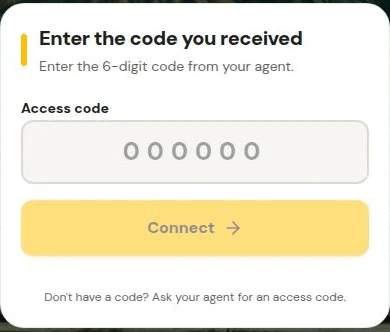
Customer enters the code
The customer types the code in the help button on your website, or at help99.net.
- Step 3
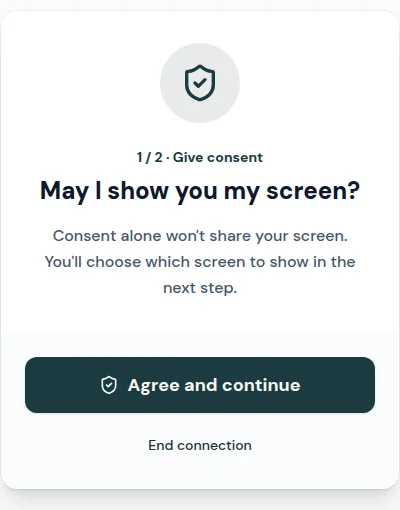
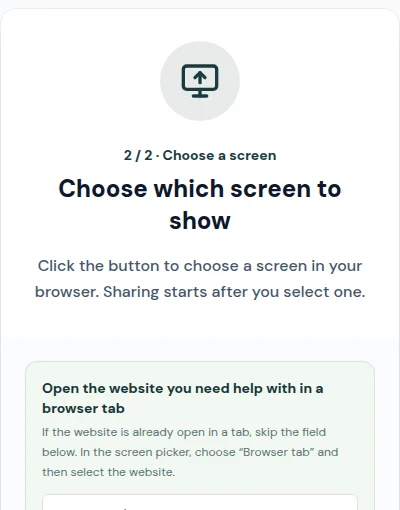
Customer sees the agent's screen
The agent's screen appears right away, with a pointer showing exactly where to click.
Want the details? Read how browser screen sharing works or see the features and pricing.